What Actually Breaks in a Proxmox Migration
Proxmox migrations usually fail in ordinary places: network mapping, storage choices, boot modes, backup assumptions and undocumented dependencies.
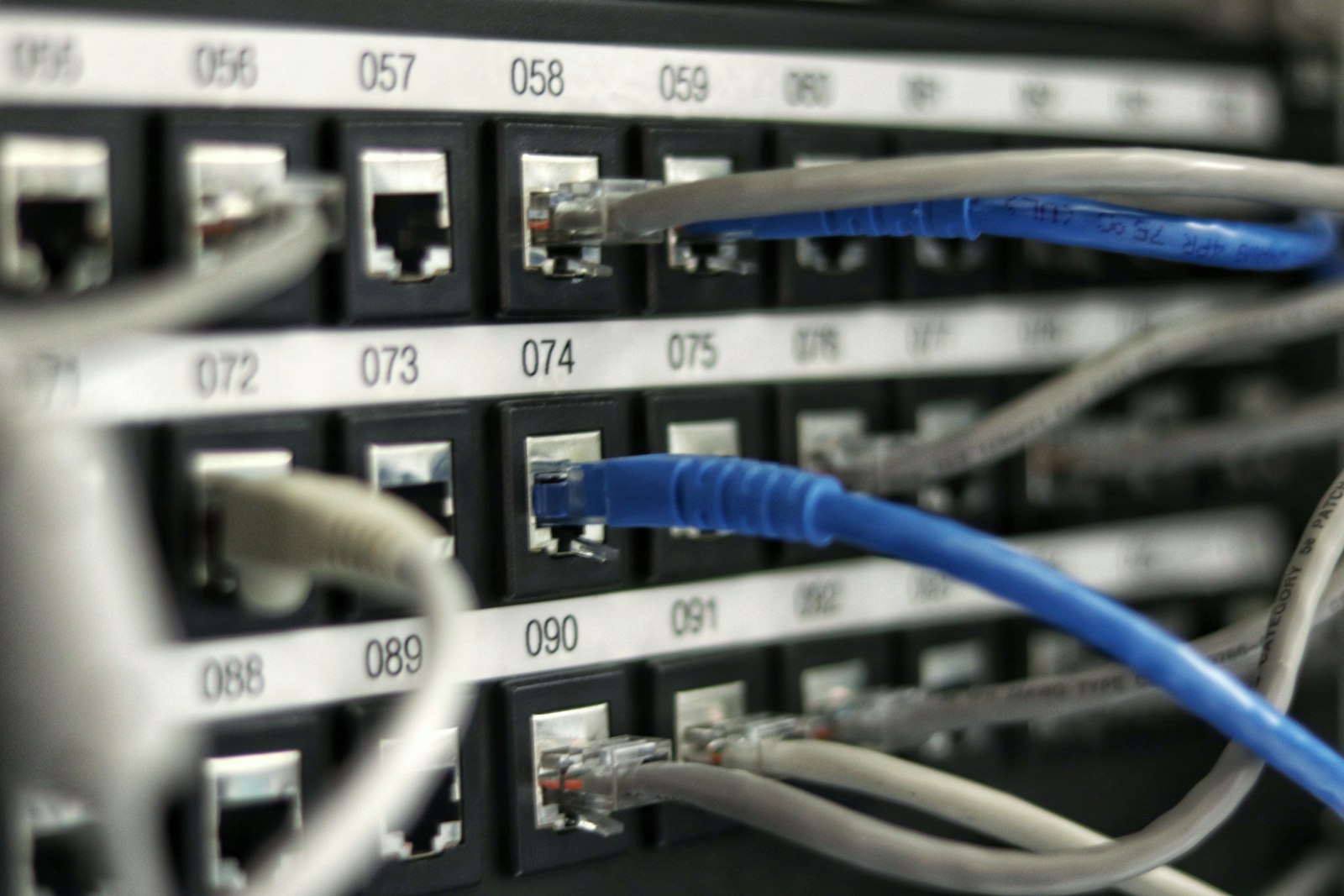
Most Proxmox migration issues are not dramatic. They are small assumptions that nobody documented.
Migrations fail in boring ways
Nobody loses a migration to an exotic kernel bug. They lose it to a forgotten static route, a NIC named differently on the new host, or a backup job that quietly stopped weeks ago.
The technology is usually manageable. The details are what bite.
The four checks that save time
- Network naming. Map every vSwitch, VLAN and route before moving production.
- Storage layout. Decide on ZFS, Ceph, shared storage or NAS before the cluster grows around an accident.
- Boot mode. BIOS and UEFI mismatches turn easy conversions into long nights.
- Guest tooling. Remove VMware assumptions and install the QEMU guest agent where appropriate.
Move in waves
The tempting plan is one long weekend. The better plan is a small pilot.
Wave 1: low-risk internal tools
Wave 2: ordinary application servers
Wave 3: databases and critical workloads
Wave 4: cleanup, documentation, monitoring
Each wave should improve the runbook. If the same problem appears twice, fix the process before adding more workloads.
Backup decides confidence
Before migration, confirm backups and restore. Not just job success. Actual restore.
A clean Proxmox migration should include backup redesign, restore notes and rollback expectations. Without that, the team is trusting hope during cutover.
Computer Port's migration work is built around this kind of control: assess, pilot, migrate, validate and operate. A good cutover should feel slightly boring. That is the point.
Computer Port reduces migration risk by checking network maps, boot modes, storage choices, backup design and dependency chains before moving production workloads.
Related service: Virtualization and HCI.