Risk controls
Downtime windows, owner signoff, and rollback checkpoints are built into each wave.
Computer Port helps teams move suitable VMware workloads from vSphere to Proxmox VE after inventory, pilot validation, PBS-backed restore planning, and wave-based migration windows.
We start with workload dependency mapping, then design the target cluster around performance, storage, backup, and rollback. The result is an operable Proxmox platform, not just copied VMs.
Downtime windows, owner signoff, and rollback checkpoints are built into each wave.
Backup and restore paths are validated before production migration begins, with dedicated coverage at proxmoxbackup.in.
Use the HCI dashboard to compare VMware renewal exposure with Proxmox subscription, hardware, backup, migration, and operating assumptions.
Global projects can run through approved remote access and joint cutover sessions.
Every region differs, but the control model stays the same: prove the target, protect the workload, then migrate in waves.
We capture VM sizing, storage layout, VLANs, snapshots, vCenter inventory exports, backup posture, and application dependencies from the VMware estate.
The Proxmox VE layout is sized for CPU contention, memory headroom, storage IOPS, HA expectations, and network separation.
Representative workloads are converted first so boot behavior, VirtIO drivers, VMware Tools removal, backup jobs, monitoring, and support runbooks are validated before broader migration waves.
Production migration runs in agreed waves with downtime windows, DNS or app sequencing, PBS-backed restore points, and post-cutover checks.
VMware exits often run into trouble when application, network, or backup dependencies are discovered during cutover. These controls keep the migration accountable before production workloads move.
Each VM gets a planned RTO, migration method, owner, test command, and rollback decision point.
PBS backup, existing VMware backup, or storage snapshot coverage is verified before production move events.
Port groups, VLANs, firewall flows, and DNS dependencies are checked before cutover to avoid hidden application failures.
We do not provide legal advice, but we document the data, access, backup, and audit facts your legal and compliance owners need before approving a VMware exit.
We identify where workloads, backups, logs, administrators, and remote access sessions sit before the migration plan is finalized.
Data handling, retention, access control, and incident evidence are mapped to your internal policies and legal or compliance owner.
The migration plan separates technical controls from legal signoff so platform change does not accidentally create data-transfer or audit gaps.
Cluster quorum, HA groups, fencing expectations, and host lifecycle are documented for daily operations.
We choose the storage pattern based on node count, latency tolerance, disk class, rebuild behavior, and budget.
The virtualization HCI page includes a dashboard for comparing incumbent platform cost against open infrastructure options.
Most discovery, design, validation, and migration coordination can be delivered remotely with your local access controls.
Your administrators receive the final architecture notes, backup schedule, restore workflow, and daily operations checklist.
The assessment turns a renewal conversation into an evidence base you can plan against, before any workload moves.
Most migration surprises come from dependencies discovered during the window. These are confirmed before production workloads move.
The assessment-led model scales from a handful of hosts to large estates, wherever downtime is expensive and one bad cutover matters.
Public-reporting lessons and field notes on why exit readiness should start before commercial pressure forces the timeline.
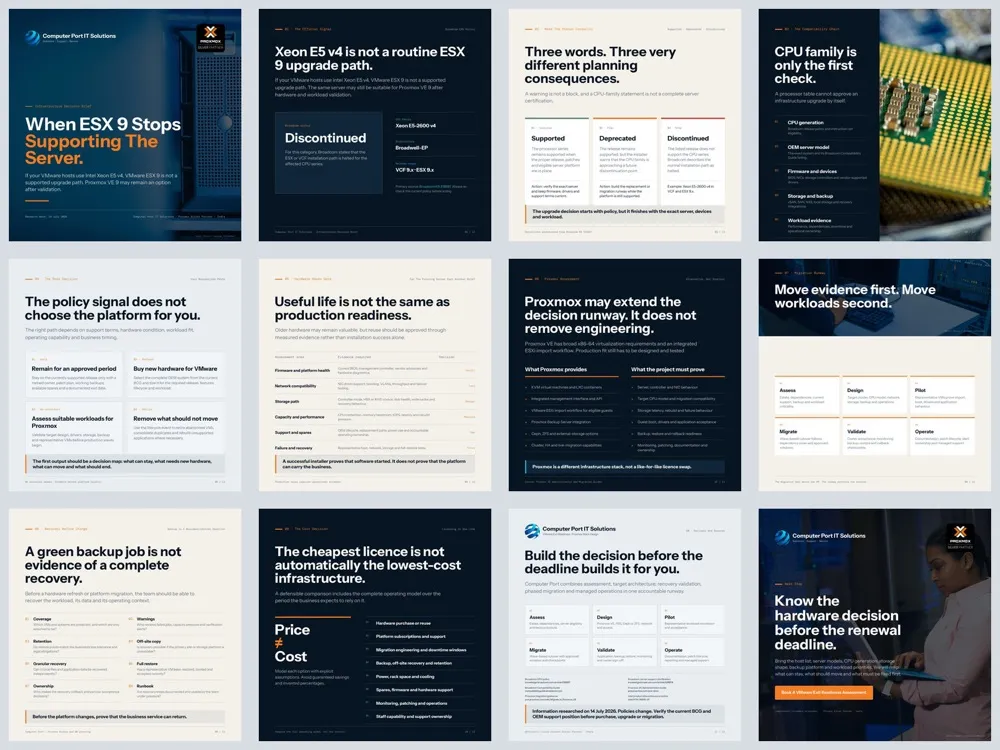
If your VMware hosts run Intel Xeon E5 v4, ESX 9 is not a supported upgrade path, but the same servers may still suit Proxmox VE 9 after validation.
Read the story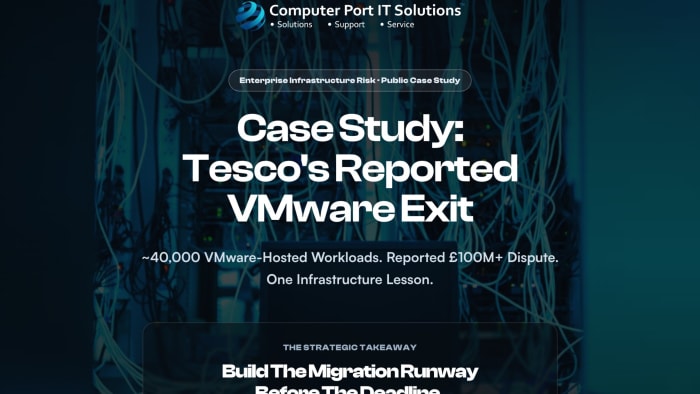
A reported VMware dispute involving 40,000 workloads shows why exit readiness should start before commercial pressure forces the timeline.
Read the story
Proxmox VE is being positioned beneath NVIDIA Mission Control as the highly available virtualization layer for AI-factory management services.
Read article
A 45,000-student Proxmox case shows why pilot design, network separation, backup replication and operating ownership matter before migration.
Read articleReference material to brief stakeholders before you commit to a VMware exit timeline.
The assessment framework: inventory, renewal exposure, workload fit, backup readiness, and phased cutover.
Download briefA side-by-side of the three platforms across licensing model, storage, backup, and operations.
Download briefWhy restore validation comes before any platform move, and how Proxmox Backup Server fits the workflow.
Download briefWhat a reported VMware dispute over 40,000 workloads shows about starting exit readiness early.
Read articleAnswers to common VMware exit questions.
No. Proxmox VE is a different platform, not a like-for-like license swap. It covers most core virtualization needs, but features, backup integrations, storage, and operations are designed to fit rather than copied one-to-one from vSphere.
Usually low-risk, well-understood workloads with few dependencies. A pilot proves conversion, drivers, boot behaviour, backup, and restore before more critical or tightly coupled systems are scheduled into later waves.
Backup and restore are validated before any production move. We verify PBS or existing backup coverage and test a restore, so recovery is proven rather than assumed when workloads change platform.
No. Source VMs are kept until the migrated workload is validated and its rollback decision point has passed. Decommissioning of the original VMware VMs happens later, on your approval.
Yes. Migration runs in agreed waves grouped by dependency, downtime tolerance, and owner approval, so departments, sites, or workload types can move on separate schedules.
Each wave keeps a clear rollback decision point with verified restore points before production change. We do not claim zero-downtime cutovers; instead each workload has a planned window and a defined way back if acceptance checks fail.
Yes. Administrators receive architecture notes, backup schedules, restore workflows, and an operations checklist at handover, and managed operations can continue afterwards if you want ongoing support.
Yes. Proxmox VE 8.2 and later include an integrated ESXi VM import workflow, but suitability depends on VM configuration, guest OS, storage layout, drivers, network dependencies, and downtime tolerance.
No. Ceph is strong for multi-node HCI, while ZFS can be better for smaller or simpler deployments. We select the storage model from workload and budget evidence.
We will review your host and VM estate, backup posture, workload fit, downtime limits, and migration wave plan before anything moves.