VMware ESX 9 Drops Xeon E5 v4: What Infrastructure Teams Should Assess Now
If your VMware hosts use Intel Xeon E5 v4, VMware ESX 9 is not a supported upgrade path. The same server may still be suitable for Proxmox VE 9 after validation.
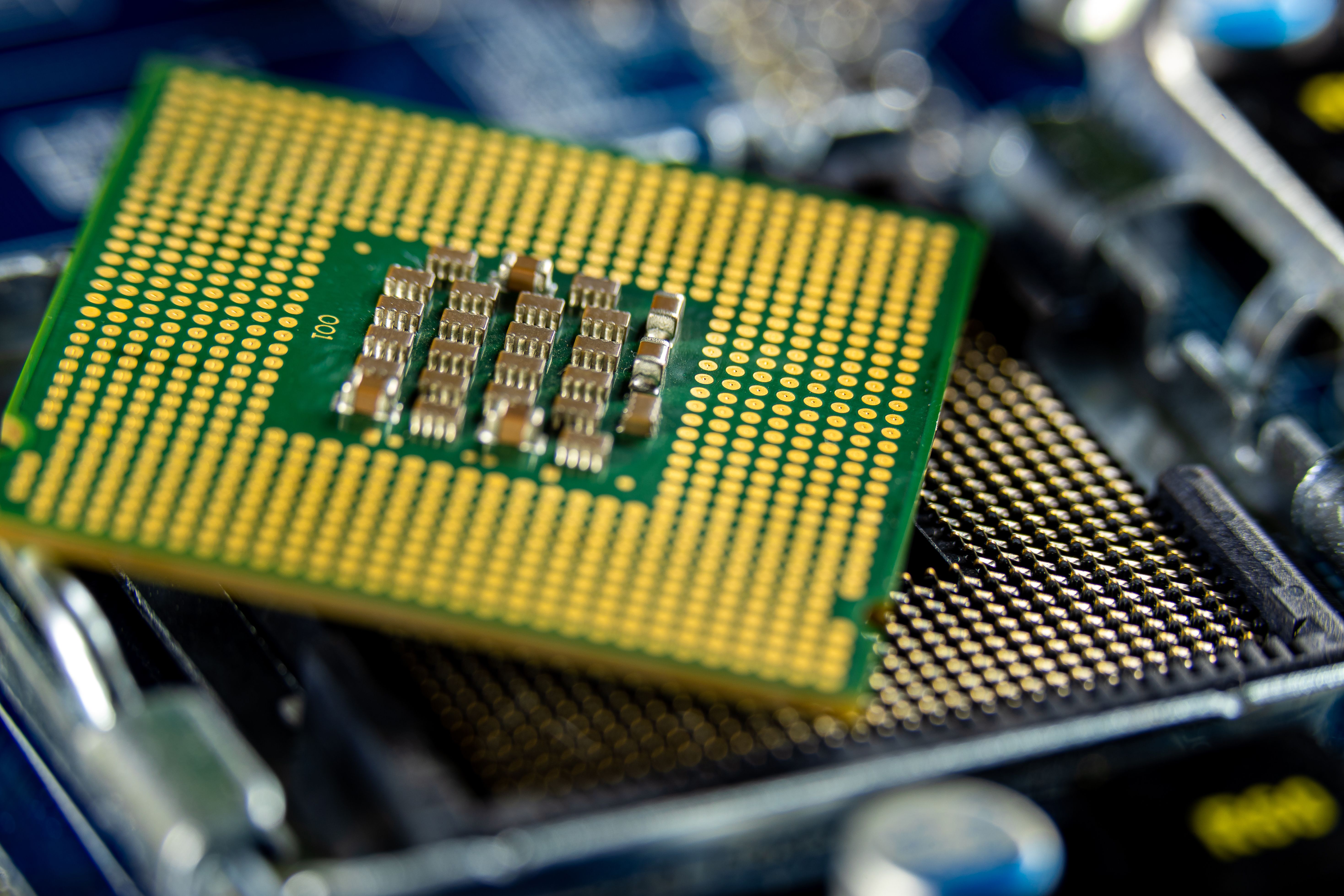
For years, many VMware estates have continued to run reliably on Intel Xeon E5 v4 servers. The hardware may still be doing useful work, capacity may appear acceptable, and the applications may not be asking for a platform change.
ESX 9 changes the planning conversation.
Broadcom's current CPU support policy lists the Intel Xeon E5-2600 v4 and E5-1600 v4 families, based on Broadwell-EP, as Discontinued for VCF 9.x and VMware ESX 9.x. Broadcom defines this category as an installation-blocking condition for the affected CPU series.
That does not mean every organization must migrate immediately. It does mean that ESX 9 is not a routine in-place upgrade path for these hosts.
The CPU List Is Only The Beginning
Hardware compatibility is not decided by the CPU name alone.
Broadcom's policy also points organizations to the Broadcom Compatibility Guide and the relevant server OEM. The complete decision includes:
- CPU family and generation
- Exact server manufacturer and model
- BIOS and firmware status
- Network adapters and drivers
- Storage controllers and operating mode
- vSAN, SAN, NAS or local-storage dependencies
- Backup integrations
- OEM hardware-support status
This is why a statement such as "E5 v4 works on ESXi 8" needs qualification. A CPU family may be eligible for a release while a particular server, controller, firmware combination or device is not.
Platform readiness is a server-and-workload decision, not a processor-table decision.
What Discontinued Means In ESX 9
Broadcom separates CPU status into supported, deprecated and discontinued categories.
- Supported means the processor series is supported when the proper patches and compatible server platform are in place.
- Deprecated means the release remains supported, but administrators receive a warning that the CPU family is approaching discontinuation in a future major release.
- Discontinued means the listed ESX or VCF release does not support the CPU series and the normal installation path is halted.
Xeon E5-2600 v4 is in that third category for ESX 9.x.
Broadcom's July 2026 update also shows why teams should check current policy rather than rely on an old compatibility graphic. Skylake-SP support was revised for VCF 9.1.x under deprecated status and stated limitations, while Broadcom says that support will not extend beyond 9.1.x. Cascade Lake remains deprecated in VCF 9.x, not a clean long-term baseline for an entirely new VMware hardware purchase.
Four Paths For An E5 v4 VMware Estate
The right answer depends on business risk, application dependencies, hardware condition, support terms and budget.
1. Remain On The Current Platform For An Approved Period
Some organizations may keep the current ESXi release temporarily while it remains supported for their exact configuration. That decision needs an owner, an end date, current patches, working backups, available spares and a documented exit plan.
Doing nothing indefinitely is not the same as choosing a controlled holding period.
2. Refresh Hardware And Continue With VMware
If VMware remains the best operational and commercial fit, the organization can refresh to a server platform listed for the required ESX release. The selection should be based on the complete OEM system, expected lifecycle, storage and network design, support model and application requirements.
3. Assess Suitable Workloads For Proxmox VE
Proxmox VE can provide a practical re-architecture path for many virtualized workloads. Proxmox documents 64-bit virtualization requirements and provides an integrated workflow for importing eligible VMware guests.
That does not make it a drop-in replacement or guarantee that every old server should be reused.
A production assessment should validate:
- Firmware and hardware health
- NIC and storage-controller support
- RAID, HBA, ZFS or Ceph design
- CPU, memory and storage headroom
- VM guest drivers and boot behaviour
- Network and identity dependencies
- Backup and full restore
- Monitoring, patching and operational ownership
Representative pilot workloads should move before business-critical migration waves.
4. Retire Or Transform Workloads That Should Not Move Unchanged
Hardware lifecycle events are also an opportunity to identify abandoned VMs, duplicate services, unsupported operating systems and applications that should be consolidated or rebuilt instead of migrated as they are.
The cleanest migration is often the workload that no longer needs to exist.
Prove Recovery Before Changing The Platform
An infrastructure decision is incomplete without backup and restore evidence.
Before any VMware hardware refresh or VMware-to-Proxmox migration, teams should confirm:
- Which VMs are protected
- Which systems are only assumed to be protected
- Whether failed jobs and warnings are reviewed
- Whether retention matches business risk
- Whether an off-site copy exists
- Whether files and full VMs can be restored
- Who owns recovery decisions
- When the last representative restore test was completed
The goal is not simply to preserve VM files. The goal is to recover the business service with its data, network path, access controls and documented owner.
Build The Decision Before The Deadline
Broadcom's E5 v4 policy creates a clear planning signal. It does not choose the answer for the organization.
Computer Port IT Solutions helps teams assess VMware estates, check hardware and workload fit, validate backup and restore, design Proxmox VE with Proxmox Backup Server, select Ceph or ZFS from workload evidence, run representative pilots and sequence controlled migration waves.
The first output should not be a migration date.
It should be a verified view of what can stay, what needs new hardware, what can move and what should be retired.
Explore VMware-to-Proxmox readiness planning:
https://computerport.in/vmware-to-proxmox
Sources
- Broadcom CPU Support Deprecation And Discontinuation Policy
- Broadcom Deprecated CPU Systems And Servers In ESX 9
- Broadcom Compatibility Guide
- Proxmox VE Administration Guide
- Proxmox VE Migration Guidance
For the full document, check out our LinkedIn post.